.jpg)
.jpg)

Download RustDesk – Remote Desktop Access, Free Software, Cross-Platform Tool
Overview
RustDesk is a free remote desktop application designed for mobile devices and desktop systems, offering users the ability to access and control their computers from any location. Developed by RustDesk, the software functions as both a client and a server, enabling seamless connections between devices regardless of platform. It serves as a viable alternative to commercial remote access tools like TeamViewer and AnyDesk, delivering core functionality with an open-source foundation. The application is particularly useful for remote work, technical support, and personal device management, allowing users to operate their computers as if they were physically present.
Its primary purpose is to facilitate secure, real-time remote access across major operating systems, including Windows, Mac, Linux, Android, and iOS. This cross-platform compatibility ensures that users can connect from a smartphone to a desktop or between two mobile devices without compatibility barriers. The software is designed for individuals and professionals who need reliable, low-friction remote control without recurring subscription costs. While the developer did not provide additional details about the company or organizational background, the open-source nature of the project suggests transparency and community-driven development.
Key Features & Capabilities
- Remote Desktop Access – Enables real-time control of a computer from a mobile device or another PC, ideal for troubleshooting, remote work, or accessing files.
- Cross-Platform Support – Functions on Windows, Mac, Linux, Android, and iOS, ensuring consistent performance across diverse devices.
- Open-Source Architecture – Allows developers and users to inspect, audit, and verify the code for security and privacy concerns.
- Simple Connection Setup – Users only need device credentials to establish a connection, minimizing configuration effort.
- Device History Feature – The desktop client maintains a list of previously connected devices, simplifying reconnection for frequent users.
- File Transfer Between Devices – Supports basic file transfers during active remote sessions, enhancing usability for data sharing.
These capabilities make RustDesk suitable for everyday remote access tasks such as managing home computers while traveling, assisting family members with technical issues, or accessing work files from a mobile device. The app’s lightweight design and minimal setup make it accessible even to users with limited technical expertise. While the developer did not specify advanced features like multi-monitor support or session recording, the core functionality remains focused and efficient.
User Interface, Workflow & Performance
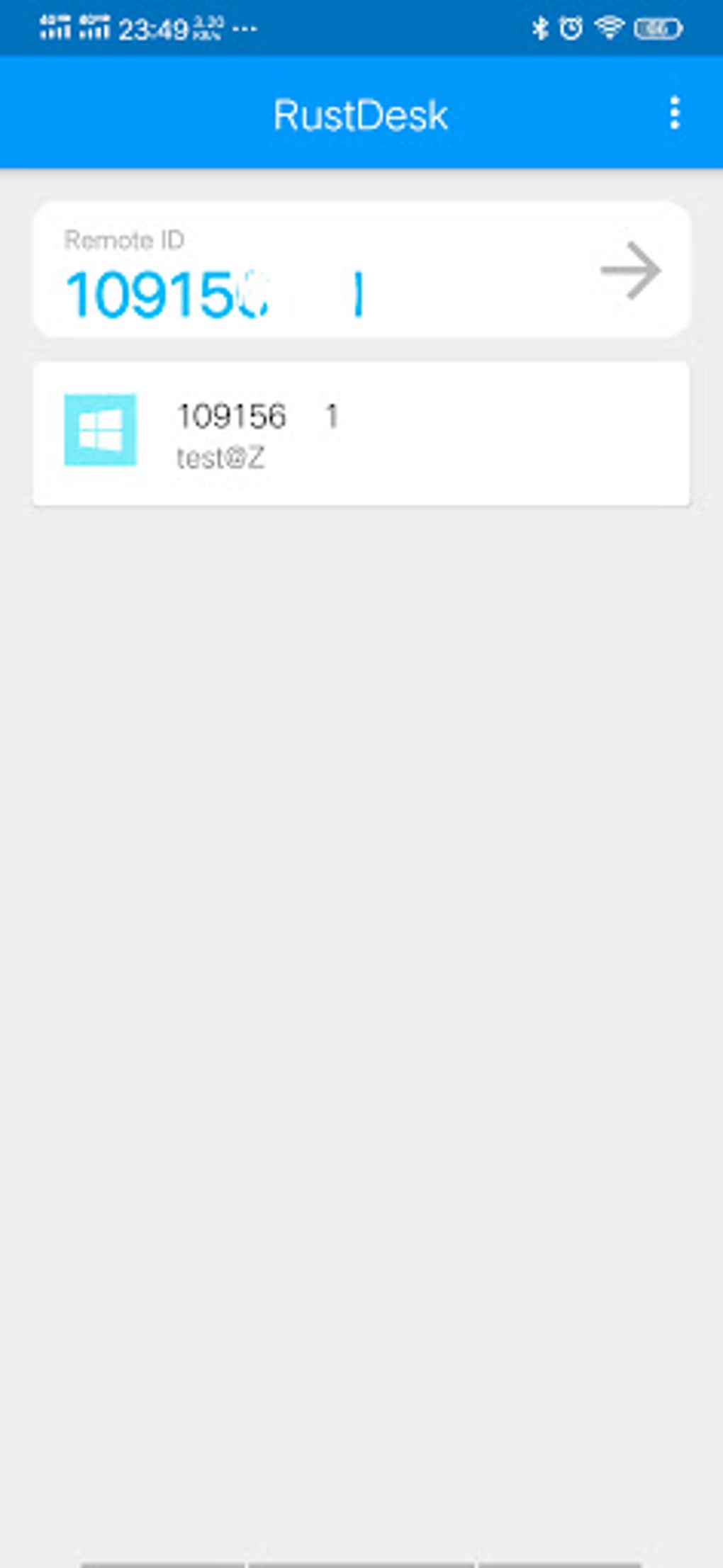
The user interface of RustDesk is described as clean and simple, particularly on mobile devices, with intuitive navigation and minimal visual clutter. The mobile app presents essential controls prominently, allowing users to input connection details and initiate sessions with few steps. On desktop platforms, the client interface mirrors this simplicity, offering a straightforward layout that prioritizes functionality over visual complexity.
Workflow efficiency is high, as the process of connecting to a remote device requires only the target device’s ID and password. The desktop version maintains a history of past connections, reducing repetitive input. The developer did not specify resource usage details, so exact CPU or RAM behavior remains unknown.
However, based on general software behavior patterns, RustDesk is expected to operate efficiently under typical conditions. Stability appears to be consistent, with no reported issues in the provided information. Performance observations are based on general software behavior patterns, and no benchmark data was included.
Compatibility & System Requirements
RustDesk is compatible with Windows, Mac, Linux, Android, and iOS, making it a highly accessible solution across major operating systems. The software is available as a desktop application and mobile app, supporting both client and server roles. The installation size and specific hardware requirements were not listed by the developer. The version number and release date were not provided in the input.
Exact system requirements were not listed. Compatibility information was partially provided, with no indication of minimum processor speed, RAM, or storage needs. The developer did not specify whether the software supports older OS versions or requires administrator privileges for installation. Platform compatibility information is limited to the listed operating systems.
Pros and Cons
Pros
- Free to use with no subscription fees
- Open-source, enabling transparency and security audits
- Cross-platform support across Windows, Mac, Linux, Android, and iOS
- Simple setup and intuitive user interface
- Supports file transfer during remote sessions
- Lightweight and efficient for remote access tasks
Cons
- Only one dev-hosted server available by default
- Limited advanced features compared to premium tools
- No official 24/7 customer support included in free version
- Exact system requirements and performance metrics not specified
- Advanced functionality requires paid upgrades
FAQ Section
Is RustDesk safe to use?
RustDesk is open-source, which allows for public code review and transparency. While no specific security certifications were mentioned, the open nature of the software supports independent verification of its safety.
Can I use RustDesk on both Windows and Android?
Yes, RustDesk supports both Windows and Android, enabling remote access from a mobile device to a desktop computer or vice versa.
Does RustDesk require an internet connection?
Yes, a stable internet connection is required to establish and maintain remote desktop sessions.
Is RustDesk free for personal use?
Yes, RustDesk is free to use for personal and non-commercial purposes. Advanced features and additional servers may require payment.
Can I use RustDesk offline?
RustDesk requires an internet connection to function. It cannot operate in fully offline mode.
Final Thoughts + CTA
RustDesk delivers a reliable, free, and secure solution for remote desktop access across multiple platforms. Its open-source foundation, intuitive design, and cross-platform compatibility make it a strong contender for users seeking a no-cost alternative to commercial remote access tools. While it lacks some advanced features and offers only one server in the free version, its core functionality remains robust and efficient. It is ideal for individuals, remote workers, and technical support providers who value simplicity, transparency, and cost-effectiveness. For those who need basic remote control without subscription costs, RustDesk is a practical and trustworthy choice.
Download RustDesk now






.png)
